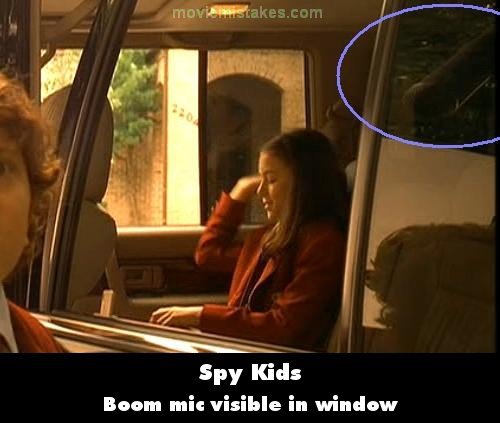
Visible crew/equipment: When Gregorio slams on his brakes the car stops alongside the sidewalk, in front of the private school. In the next shot he calls out, "Juni, Juni!" as Juni stands by the open car door. First, a large boom mic and the reflector screen are wonderfully reflected in the car window, before he closes the door. Then when Juni closes the door, a car is reflected on the door, though it is impossible for it to be there since a gate, which is visible in the following shots, stands at the edge of the sidewalk on the car's left side. Some crew members, one of which is behind camera equipment and another holds the boom mic pole, are also reflected in Gregorio's door on the left. Then as Juni walks away, the boom mic moves back and forth in the reflection near Gregorio's face to pick up the actors' audio. (00:11:05)
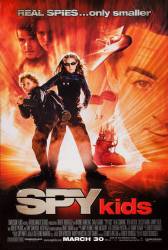
Spy Kids (2001)
9 pictures
Directed by: Robert Rodriguez
Starring: Antonio Banderas, Robert Patrick, Carla Gugino, Cheech Marin, Tony Shalhoub, Alan Cumming, Teri Hatcher, Alexa PenaVega, Alexa Vega, Daryl Sabara
To submit a picture, just click the edit icon under the relevant entry, then choose 'add a picture'. Thanks!
All images remain the copyright of their original owners - these low resolution images are simply individual frames used to demonstrate the entry.
Join the mailing list
Separate from membership, this is to get updates about mistakes in recent releases. Addresses are not passed on to any third party, and are used solely for direct communication from this site. You can unsubscribe at any time.
Check out the mistake & trivia books, on Kindle and in paperback.